
Amazon Seller Account Number: Where to Find It in 2026
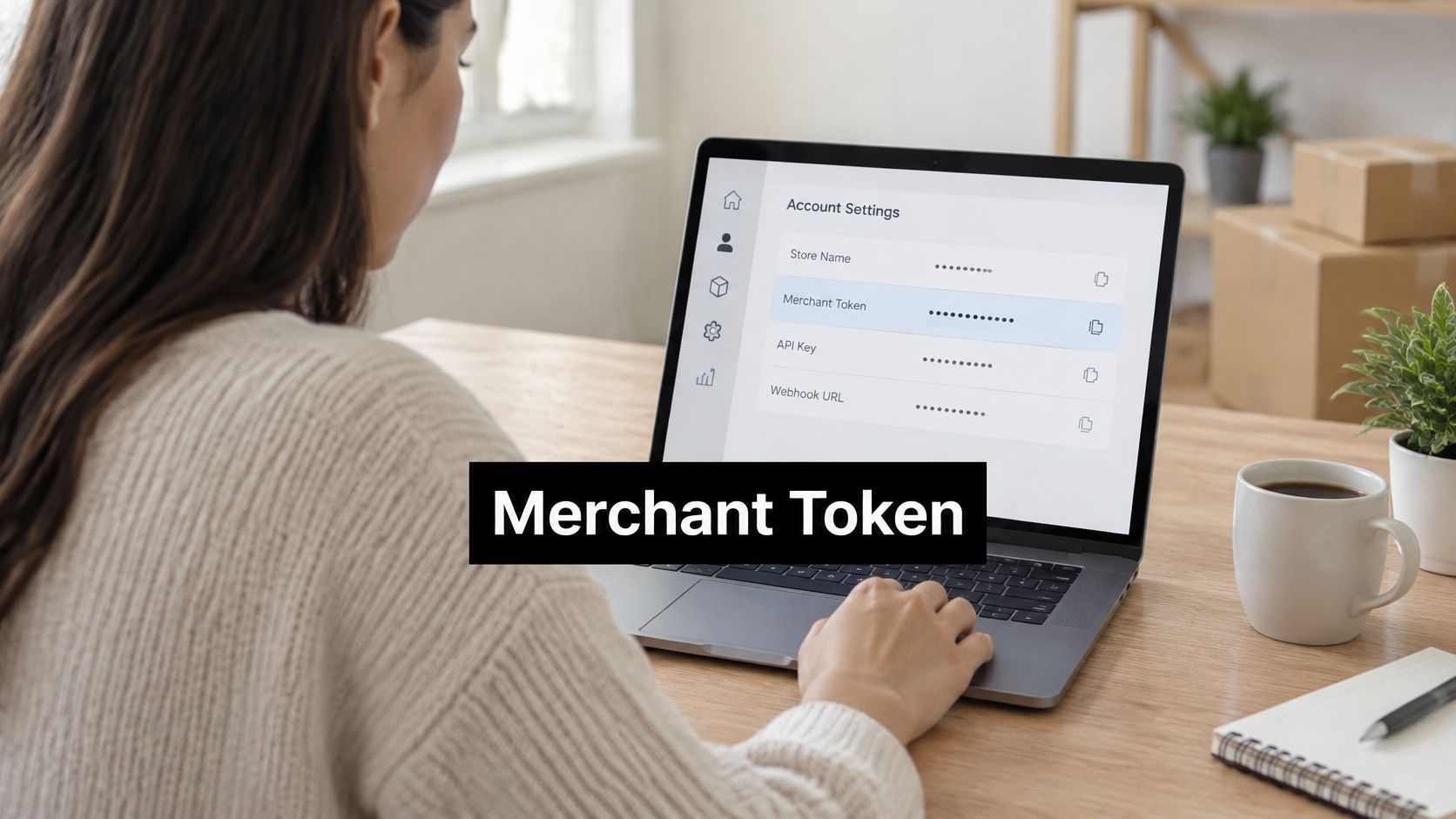
Your Amazon seller account number in Seller Central is the Merchant Token, also called the Seller ID, and you’ll find it under Settings, then Account Info, then Business Information, then Merchant Token. You’re probably looking for it right now because Seller Support, a software provider, or a suspension notice has asked for an account number and given you no clear label to work from. Guessing with a storefront name or an order number wastes a round of correspondence, and when funds or selling privileges are on hold, that delay hurts. Treat the Amazon Seller Account Number as an identity control field. Get the exact value, match it to the right marketplace and legal entity, and keep it private.
How to Find Your Merchant Token in Seller Central
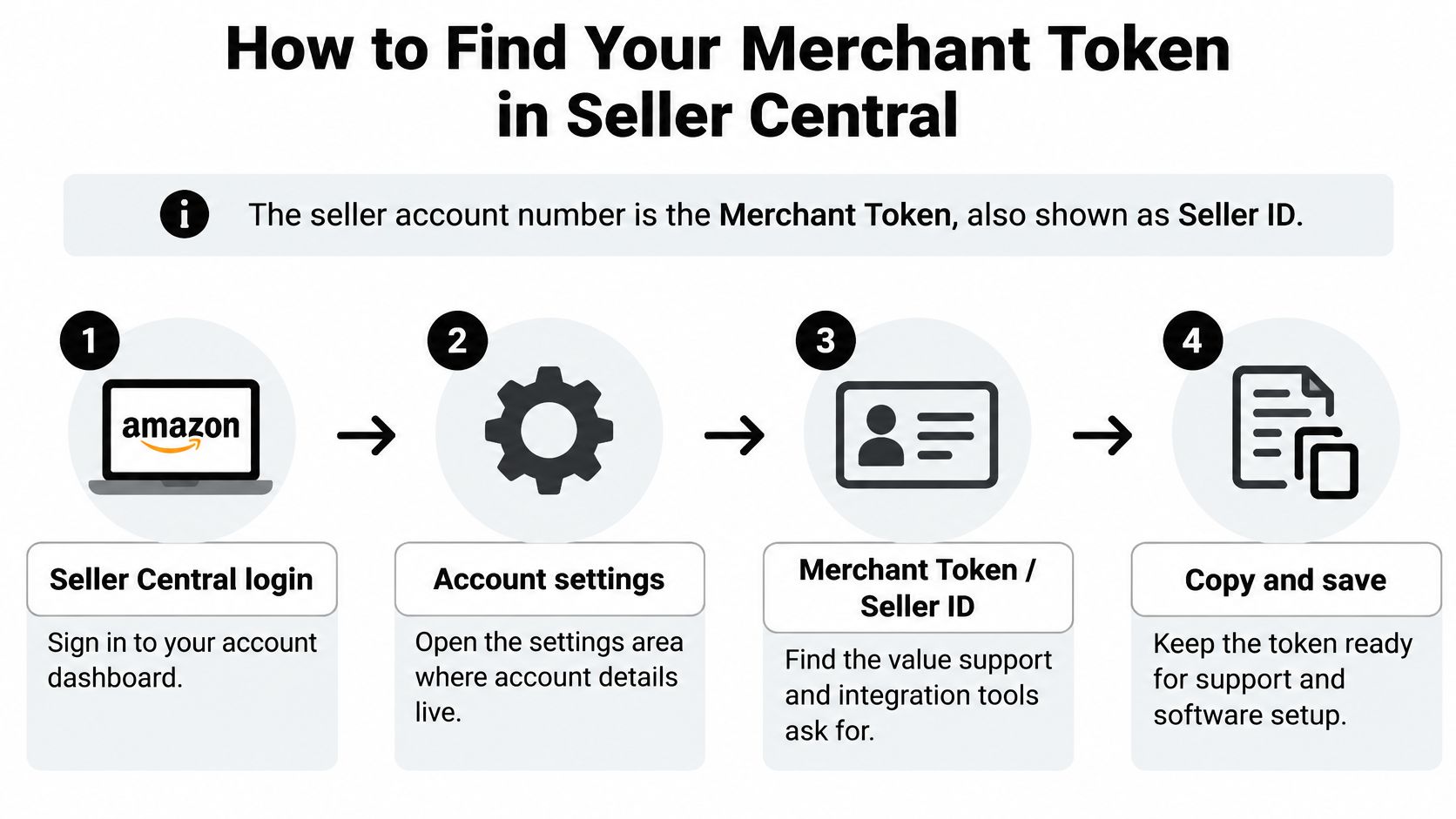
The number support and integration tools ask for is the Merchant Token, not the name shoppers see on your storefront. Copy it from the live account record every time. An old email, a spreadsheet from setup, or a value a colleague saved years ago isn’t reliable enough when a case depends on matching the right account.
The Exact Path in Seller Central
- Sign in with the primary account login. Some team roles can manage listings or orders but can’t open account settings. If you can’t see the screens below, permissions are usually the reason, not a missing token.
- Open Settings from the top navigation. Account level details live there, separate from catalog and order tools.
- Select Account Info. Don’t pull a number from a product page or an order page instead. Those screens identify items and purchases, not the selling account.
- Open Business Information. This ties the identifier to the legal business record Amazon has on file for the account.
- Choose Merchant Token and copy it exactly. Preserve the full character sequence, including any leading zeros. Don’t retype it by hand if you can copy and paste.
That’s the route in Amazon’s Merchant Token help page, which states that the merchant token, also referred to as the Seller ID, is found through Settings, Account Info, and Business Information. The same page says the token is unique to the seller and can’t be shared with, or reused for, another seller account. A value copied from a partner, an agency, or a forum example is therefore the wrong value for your case.
Mistakes That Send Cases in Circles
The most common slip is copying a token from a different regional account when the case concerns another marketplace. The second is pasting a bank account number because both values sit in account settings and both look like long private numbers. Slow down and read the label on the screen before you copy.
Practical rule: If the label doesn’t say Merchant Token, don’t send the value as your Amazon Seller Account Number.
If you’re connecting software and want background on how merchant identifiers work outside Amazon’s own screens, you can find your merchant ID explained in a broader payments context. For an Amazon case, though, the Seller Central value controls. Send it only through authenticated support or an authorized integration channel.
Save the token in a private note alongside the marketplace, legal business name, and verified account email. Check that it matches the account you’re signed into, and never post it publicly. The token alone doesn’t grant login access, but publishing it invites account linking attempts and social engineering. I would store it with your tax and banking records, not in a shared team chat.
Seller ID, Merchant Token and Other Amazon Identifiers
Sellers send the wrong number because Seller Central is full of long numbers, and support requests don’t always use consistent labels. The rule is simple. An account level question needs the account level identifier. Everything else points to a listing, an order, or a single ticket.
Discussion in Amazon’s seller forums on account numbers reflects that the seller account number is commonly represented by the Merchant ID, Seller ID, or Merchant Token, and that it’s distinct from a public storefront name, product ASINs, or individual order numbers. Use the table below before you open any ticket.
| Identifier | What It Identifies | Where It Appears | Use It For |
|---|---|---|---|
| Merchant Token (Seller ID) | The whole selling account | Settings, Account Info, Business Information | Support cases, software connections, account records |
| Storefront name | Public brand shoppers see | Storefront and brand pages | Customer-facing reference only, not account identification |
| ASIN | One product listing | Product detail page | Listing and catalog questions |
| Seller SKU | Your own item code | Inventory reports | Inventory and listing management |
| Order ID | One customer order | Order details | Refunds, A-to-z claims and order disputes |
| Case ID | One support ticket | Support case history | Following up on a specific case |
What Mixing Them Up Costs You
A support agent can’t match an ASIN to your account reliably, because multiple sellers can offer the same ASIN. A storefront name is worse. It’s a public label, and a similar or related storefront can send the agent to the wrong account record entirely. Your own seller SKU means nothing to Amazon outside your inventory, since you created it.
The caveat matters too. The token identifies the account but doesn’t prove ownership. Pair it with the legal business name, marketplace, case ID, and verified account email so the agent can confirm they’re looking at the right record. If you can name the correct identifier before you write the ticket, your first message already does half the agent’s matching work.
Getting Into Seller Central When You Cannot Log In
You can’t retrieve the token from a public page, so an access problem has to be solved before the lookup problem. Per Amazon’s Seller Central overview, sellers log in to Seller Central using their selling credentials after registration, and setup runs through the gear icon, then Settings and Account Settings. You’ll generally need the primary login, the right permissions, and two-step verification to reach the account information screen.
| Problem | Likely Cause | First Step |
|---|---|---|
| Forgot password | Credentials out of date | Reset through the sign-in page using the verified account email |
| Lost two-step verification device | Phone number or device changed | Use backup codes or the account recovery flow |
| Team member cannot open Settings | Limited user role | Ask the primary account holder to grant admin access |
| Restricted or suspended screen | Account under review or deactivated | Open the notice and use its designated appeal channel |
| Several accounts look similar | Multiple accounts under one email or name | Confirm legal name and marketplace before copying any token |
Working Through the Checks in Order
Start with the password. A reset should go to the verified account email, so confirm you still control that inbox before you start. Be careful with lookalike login pages from email links. Type the Seller Central address yourself, especially if you’re already worried the account was compromised. Our guide on a hacked Amazon seller account covers the security side of that situation.
Next, check two-step verification. If the phone number on the account has changed, use your backup method or the recovery flow. Don’t keep retrying an old number and hope it resolves. Store recovery codes somewhere safe once you’re back in.
A limited team role can load the Seller Central home page and still never see Business Information. Missing screens usually mean missing permissions.
If you land on a restricted or suspended screen, stop looking for a way around it. The suspension notice and its designated contact channel become your route, and Amazon will still want the token for that case. Have the legal business name, marketplace, and account email ready before you make contact.
Building a Suspension Appeal Around Your Identifier
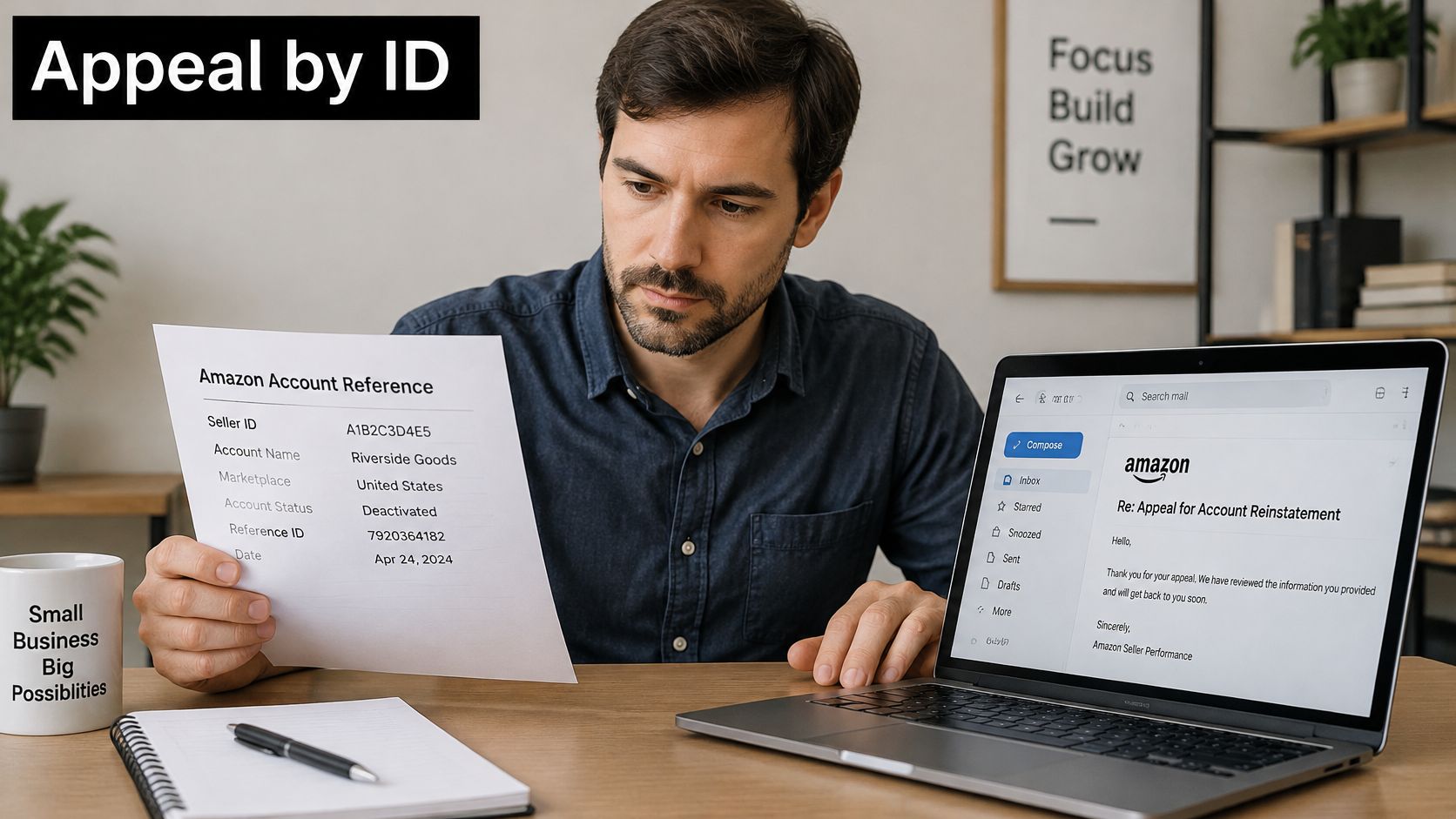
You paste a number from the suspension notice into the appeal and hit submit. If that string is a case ID, a related-account reference, or a token from another marketplace, the file attaches to the wrong account and the first review is spent on identity, not the violation. Put the merchant token at the top of the file as the control field, then build the case under that exact identifier.
A reviewer should be able to follow the record without guessing which account you mean.
A Five Step Appeal Workflow
- Record the Merchant Token from Settings, Account Info, Business Information in the affected account.
- Save the full notice, including the policy citation, affected marketplace, and case number. Screenshot it before anything changes.
- Build a dated chronology linking each alleged violation to specific orders, listings, invoices, supplier records, customer messages, and corrective actions.
- Submit a concise appeal through the channel the notice designates, not a fresh generic ticket.
- Retain the exact submitted version with every supporting file, so you can reproduce it if the first appeal is declined.
Appeals are stronger when they record the identifier, save the notice, build a dated chronology, submit through the channel the notice names, and keep a copy of the submission. Finding the number is often not the blocker. The blocker is quoting the wrong field, or sending a clean narrative that never ties each date back to that token. Our walkthrough of the Amazon seller account suspension appeal process goes deeper on drafting the appeal itself.
Consistency Checks Before You Submit
Your account email, phone, legal entity, and address should match the documents you send. Changing those details mid-review, with no documented reason, gives the reviewer a second mismatch to resolve before they reach the violation. Keep business contact information current, and note any change in the appeal itself so the token, the notice, and the paperwork still describe one seller.
Read the label in the notice before you copy anything. Some notices reference a related account identifier or an account beginning with a particular number, which is not necessarily your merchant token. Quote the exact label Amazon used, then confirm with Support whether it means the merchant token, Seller ID, case ID, or a related account reference. I would not submit until that match is explicit. The mistakes that sink an otherwise usable file are a token copied from another account, a display name sent in place of the requested identifier, and a missing marketplace.
Keeping Evidence for Withheld Funds and Inventory
Sellers bundle reinstatement, funds release, and inventory removal into one long message. The reviewer then can’t tell which decision you’re asking for, and each request needs different evidence. Split them from the start.
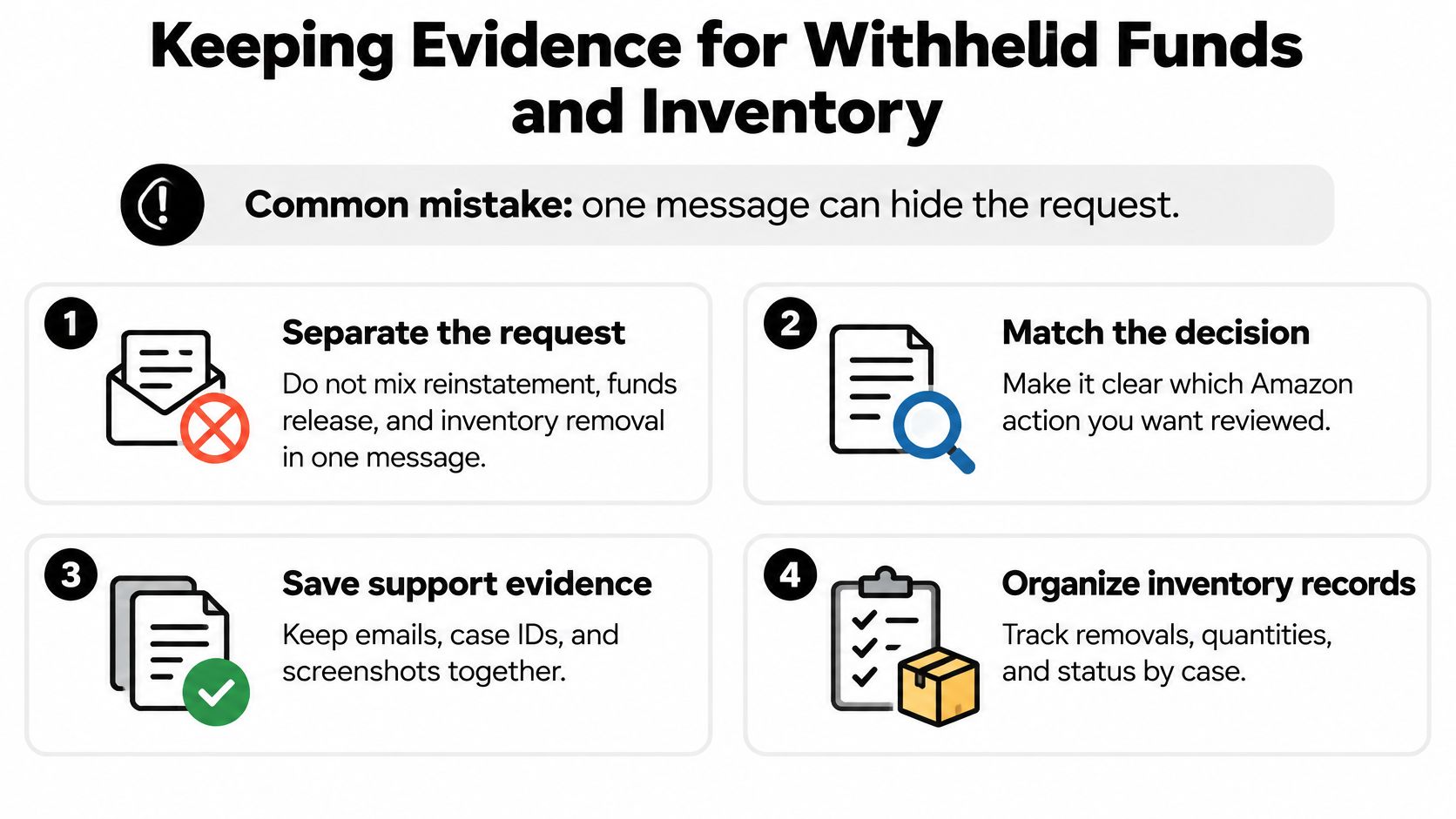
Amazon’s policy materials on account violations indicate that violations may lead to deactivation, restricted selling privileges, withheld funds, and even destruction of inventory in Amazon’s possession. Funds may also remain held while Amazon investigates chargebacks, A-to-z claims, refunds, fraud, authenticity, or counterfeit concerns, and FBA inventory may be restricted from removal.
| Request | Evidence to Preserve | Why Keep It Separate |
|---|---|---|
| Withheld funds | Disbursement statements, chargeback and A-to-z records, refund proof | Hold reasons are tied to specific claims and transactions |
| Inventory removal | FBA inventory reports, shipment records, authenticity invoices, supplier documents | Removal restrictions apply to particular inventory, not the whole account |
| Account identifier reference | Merchant token, legal entity name, marketplace, case ID | Lets each reviewer match every file to the right account |
Rules for the Two Files
- Label every file with the Merchant Token, legal entity, and marketplace.
- Date every appeal, reply, and upload so the sequence is provable later.
- Keep batch level records for shipments, purchases, and authenticity, since removal restrictions attach to particular stock.
- Keep disbursement statements and refund proof for each withheld amount.
Don’t assume a fixed waiting period such as 90 days. The timeline depends on why the hold was placed and what type of funds or inventory is involved, which our article on Amazon withheld funds and frozen balances explains in detail. Never post identifiers publicly while you wait, and verify any request for identity documents through the official Seller Central channel before sending anything. You want two labeled files at the end, one for money and one for stock, each answering a single question.
Confirm the Right Identifier Before You Contact Amazon
Run a short check before you hit send. Confirm the exact label Amazon uses in the notice, match the Merchant Token to the account you’re signed into, and verify the legal name, marketplace, and account email. Two minutes here prevents the most pointless rejection you’ll ever get.
Deciding Whether to Handle It Yourself
- Handle it yourself when the notice is specific, you sell in one marketplace, and your invoices and records are complete.
- Get help when large funds or inventory are at stake, a verification mismatch won’t resolve, several accounts are linked, or a deadline is close.
LA Law Group, APLC represents online sellers on Amazon account reinstatements and appeals, chargebacks and disputes, brand protection, and intellectual-property violations, both before and after a suspension or complaint, with direct attorney access. Its practice areas also include Personal Injury, Intellectual Property, Immigration, and Contract & Business Law.
This article is provided for informational purposes only and is not to be construed as legal advice. No attorney-client relationship exists based on the review of this article, and none of the information in this article is legal advice. You should end this process with a confirmed identifier and a clear next step, whichever route you choose.
If your Amazon account is suspended, your funds are withheld, or a verification or linked account issue is putting your business at risk, LA Law Group, APLC can review your notice, your identifier records, and your evidence file and help you choose the right appeal strategy. Visit LA Law Group, APLC to discuss your Amazon matter directly with an attorney before you submit your next appeal.
Attorney Advertising. This article is general information, not legal advice, and does not create an attorney-client relationship. Prior results do not guarantee a similar outcome.